Description
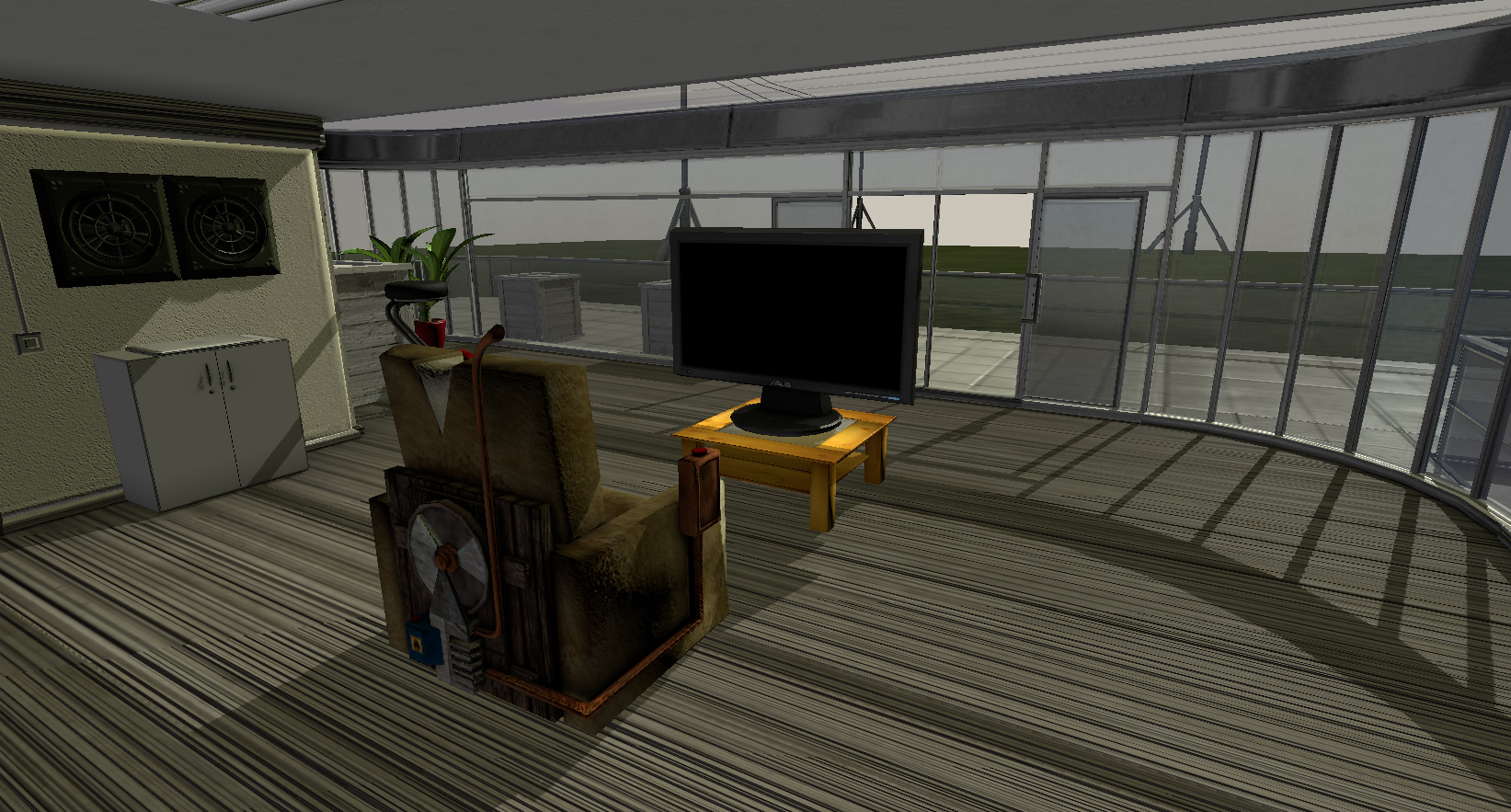
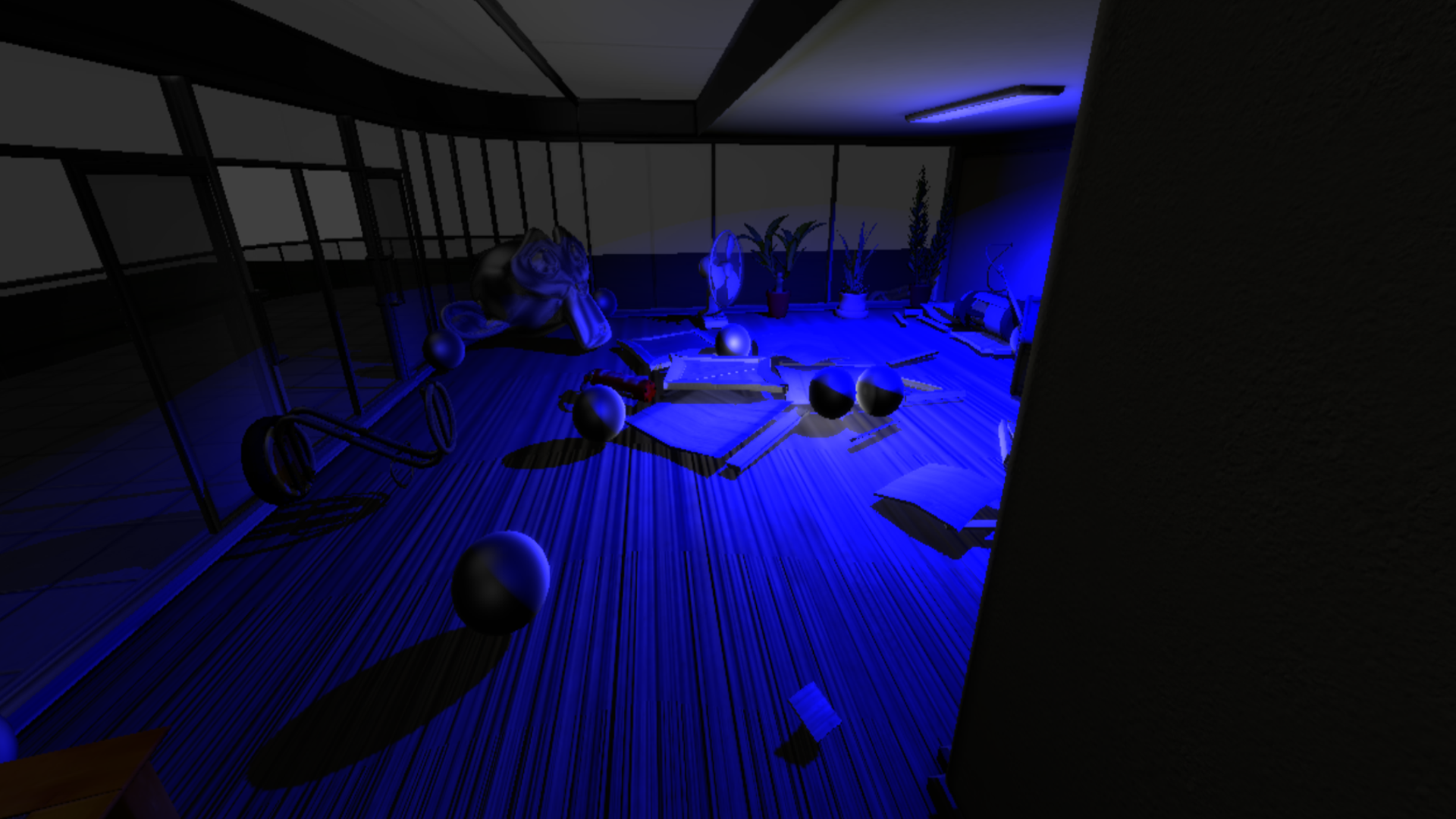
This is my [BGE-Playground](https://3dhaupt.com/bge-building/), which I had created from [17.11.2013 to 10.12.2013](https://3dhaupt.com/bge-building/bge-building-work-in-progress-17-11-2013-10-12-2013/) for fun.
[BGE Test Building 1.0](https://www.youtube.com/watch?v=HfyxBEOuczc)
All the objects you find in this blendfile are 100% game ready with collision-boxes and grouped-objects etc.
The game-objects are located in the Objects-Scene and are linked to the other scenes. There are three main scenes Low, Medium, High and Menu.
Unfortunately the Menu-scene works randomly, so blender crashes about 90% when I try this scene, I guess this is some kid of Blender bug.
**Low-Secne** - No interior and exterior-objects, just doors and light
**Medium-Secne** - All interior and exterior-objects
**High-Secne** - All interior and exterior-objects + sun shadow (4K)
This Blendfile starts in the Low-Scene.
**Basic control:**
* W-_Key_ - move forward
* S-_Key_ - move back
* A-_Key_ - move to the left
* D-_Key_ - move to the right
* F-_Key_ - jump
* Left Mouse Button - activate the lights
* E-_Key_ - open Doors
* Left-Shift-_Key_ - zoom in and out
* Space-_Key_ - hold to run
**Object controls:**
* Right Mouse Button -throw the green navigation spheres which interact with the navigation mesh and tries to follow the PlayerBox-Object
* E-_Key_ - throw the red navigation spheres which do not interact with the navigation mesh and tries to follow the PlayerBox-Object
* T-_Key_ - throw the blue spheres which flee from the PlayerBox-Object
* Z-_Key_ - throw the metallic spheres which lose their dynamics on 3 meters distance to the PlayerBox-Object
* G-_Key_ - throw a simple sphere without special properties
* H-_Key_ - throw the soft body object number 1, a softbody plane
* J-_Key_ - throw the soft body object number 2, a softbody cube
* B-_Key_ - throw a destructible box
* Q-_Key_ - restores the dynamics of all the objects which have suspended their dynamics
**Daylight control:**
* you can control the daylight/daytime by pressing the + and - key right to the Numpad.
**_2D_-filter control:**
* you can activate and deactivate the standard 2D-filter by pressing 1,2,3,4,5,6,7,8,9,0-_key_ on the Numpad
[3d preview of the building on Sketchfab](https://sketchfab.com/models/b55c5898b9ed4b6081b68c73b655d62e)
[Navigation Mesh Test EXTREME](https://www.youtube.com/watch?v=8Okd7ihFGiQ)
[Fun with Suspend and Restore Dynamics](https://www.youtube.com/watch?v=nXgbuVFwenM)
[Building Update (just added some old 3d Models)](https://www.youtube.com/watch?v=TWQXLN8SrZk)
[Building Update (controllable ceiling lights and doors)](https://www.youtube.com/watch?v=9S5UMzIQW_s)




BGE Test Building 1.0
- Downloads
- 206
- Likes
- 7
- License
- CC-BY-NC-SA
- Category
- Simulations
- Blender Version
- 2.6x
- Render Engine
- Blender Internal
- File Size
- 40.7 MB
Comments (19)
Unbelievable work man, absolutely unbelievable ; D
I'm glad you like it :)
Practicaly, I don't know anything about animation, but I think your performance is tremendously great, Dennis. Regards.
60 fps on 1080p Full-HD :)
This is the best BGE demo I've seen so far. It would be the best thing ever to turn this into a game.
Thank you :) , maybe I'll use the building for my Roboter game.
This is awe inspiring. Love it. I think blendswap needs to fix this website though, I couldn't download this file because the you tube video appears in front of the download pop up (z-index/ iframe issue?). I had to remove the video manually to get the download button. Nice work though, how many hours have you put into this?
Thank you :) How many hours have I put into this? mmmh.... I cannot say exactly, Three days for the building with doors, textures and light switches + setup. For all the other objects I have no idea how much time I have spent overall, for everything I would guess about three or four weeks. What browser are you using? I have just tried to download my file in google chrome and firefox, I had no problems with the YouTube video.
Please next time let us know directly from the contact form that you experience problems. This issues is only for Webkit based browsers (Chrome, Safari, etc.) and doesn't happen on Firefox. You can also scroll up, the download popup is anchored to the browser window and it will follow your scrolling ;)
Hmmm... weird, from our tests, Matthew, who uses Chrome on Mac OS X, says he doesn't get this effect, although I got it on Linux, I tried several fixes, but none worked. If you find a way around it please let me know.
Thanks for sharing this great work of yours,I would have fun with it! This truly desrves to be among staff picked blends
Wow! Great! Nobody ever made something as good as this. Impossible!
kindly post tutorials simple switch interactive
Hey This file is awesome ! I just tries to publish as a standalone game from blender 2.77 but it gave an error ! how can I fix this any help? Here is a screenshot of my error ! (http://blenderartists.org/forum/showthread.php?399196-Error-with-game-engine-publishing-addon&p=3054098#post3054098) Regards
wow!! thanks!!!
I can't get the download, all I have is a shortcut to a windows page of coding.
wow exelenT!!!
there is no link ma dude
Thank you for sharing your work. God bless you!!!
Sign in to leave a comment.