Description
Here is my Mech Neck Walker design with an animation control menu for the Blender Game Engine.

---
**There are three scenes.**
---
*1. Test_Ground scene:*

The scene where everything happens.
Contains the camera control and the grouped Mech_Neck scene.
---
*2. Mech_Neck scene:*
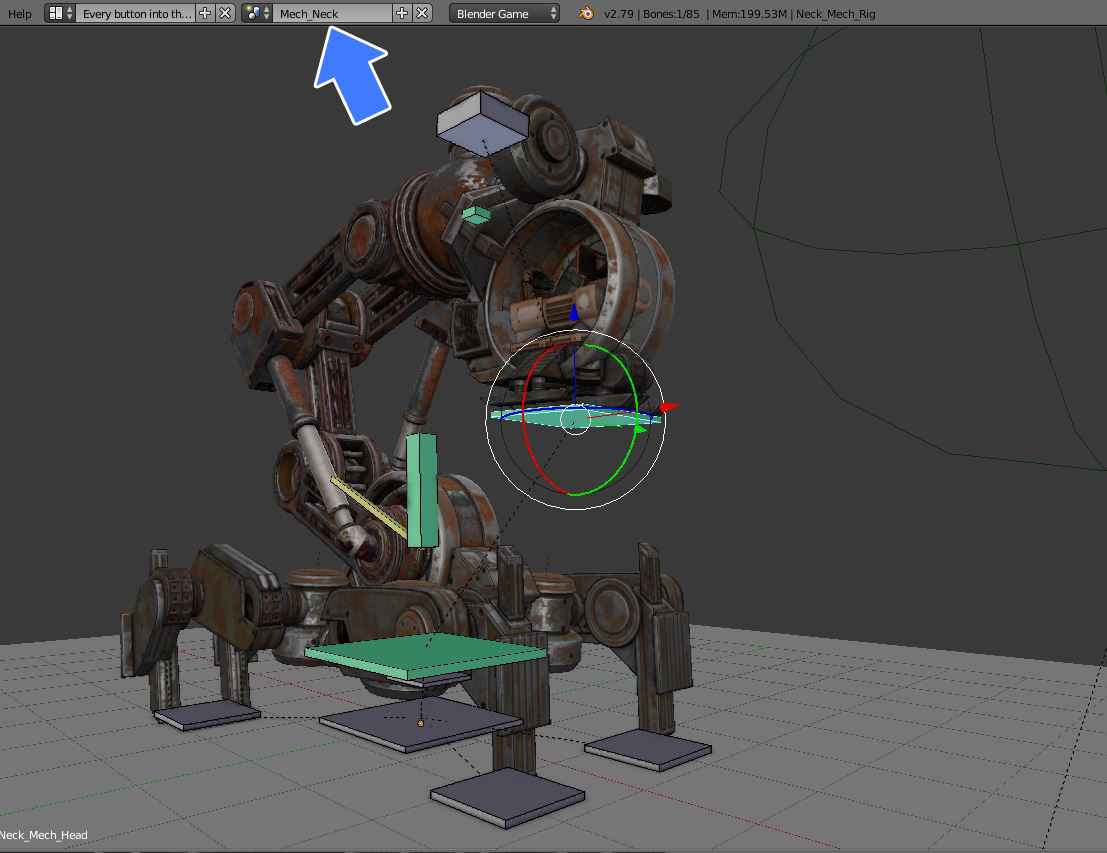
Contains my animated model for editing.
I made this scene because it is a very complex object with many parts and so I wanted to have it separate from the main scene.
---
*3. Animation_Menu scene:*

Overlay scene for the mouse input to change the animation and the animation speed.
---
**Game Engine Controls:**
-Left mouse button for changing the animation and the animationspeed into the menu.
-Hold right mouse button to rotate
-Mouse wheel up/down to zoom in/out
---
Press p-key into the 3d window to start it.
[3D and animation preview on Sketchfab](https://skfb.ly/6BKvq)
[Demo-Video](https://www.youtube.com/watch?v=Vq3K9n7BVMQ)
---
Some animations:
---

Idel 1
---
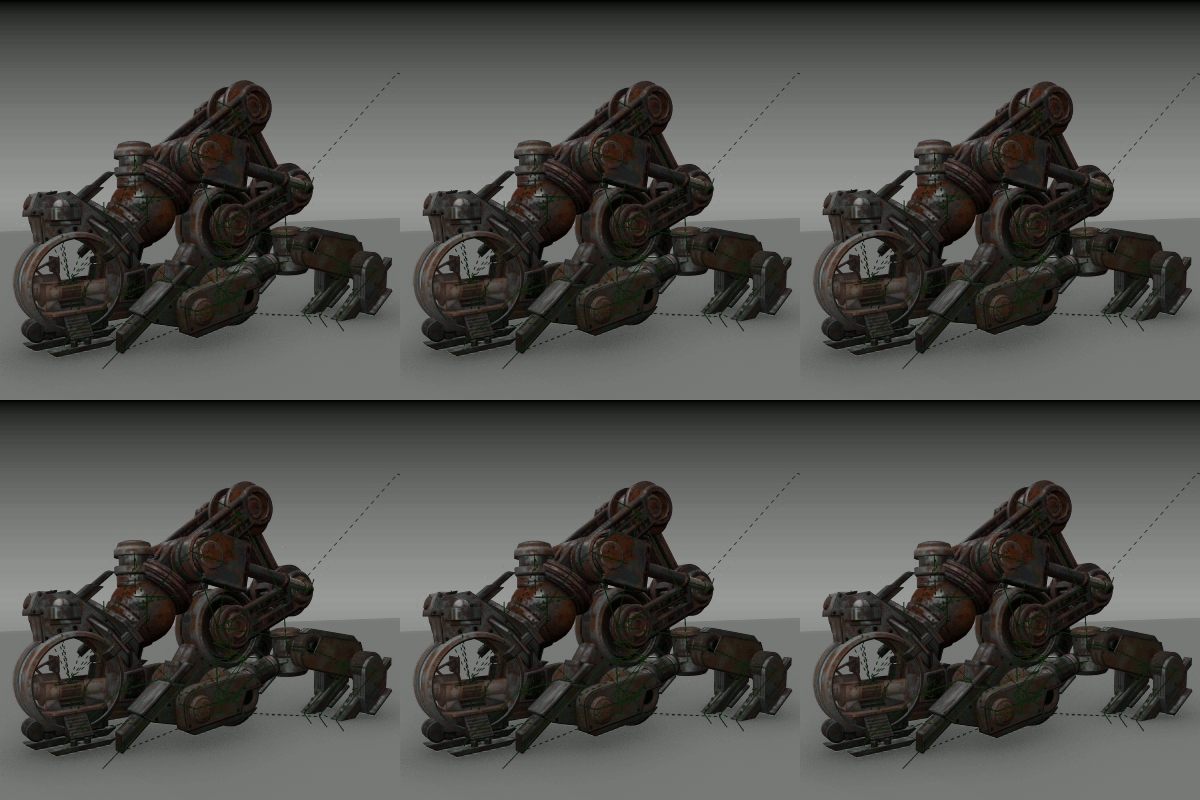
Idel 2
---
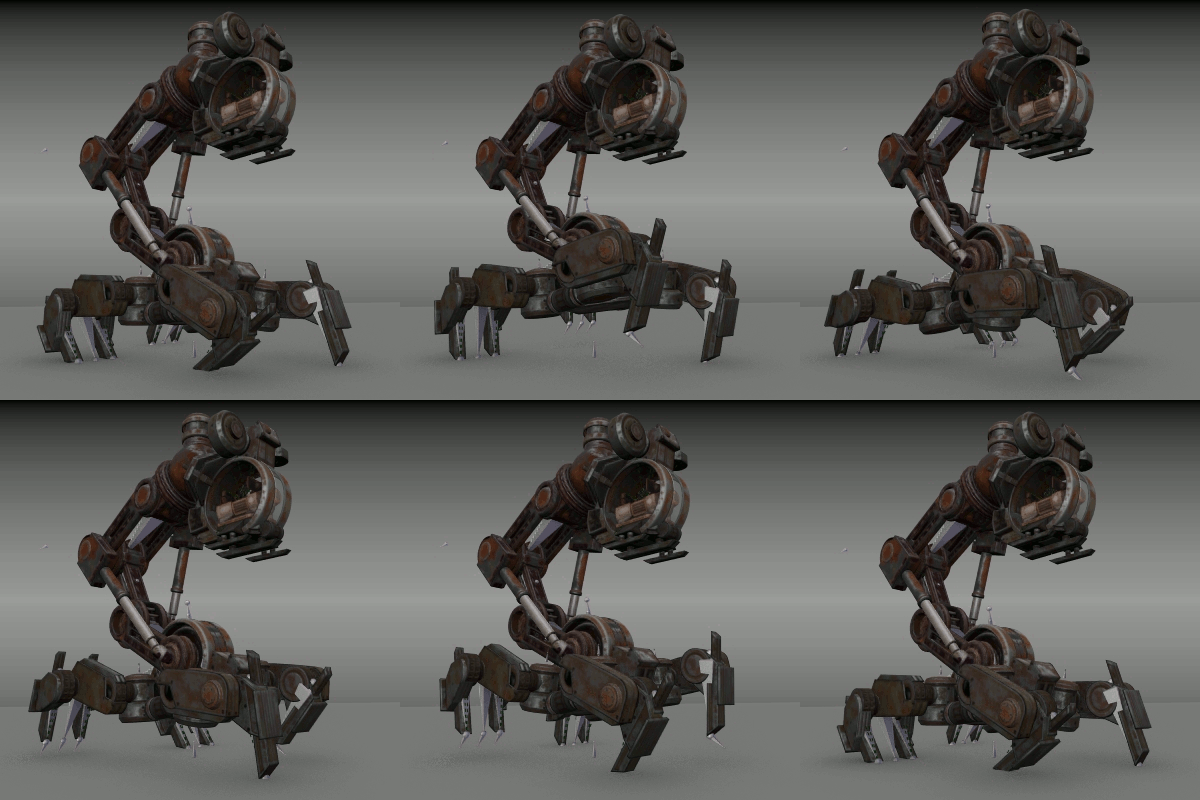
Walk Cycle
---
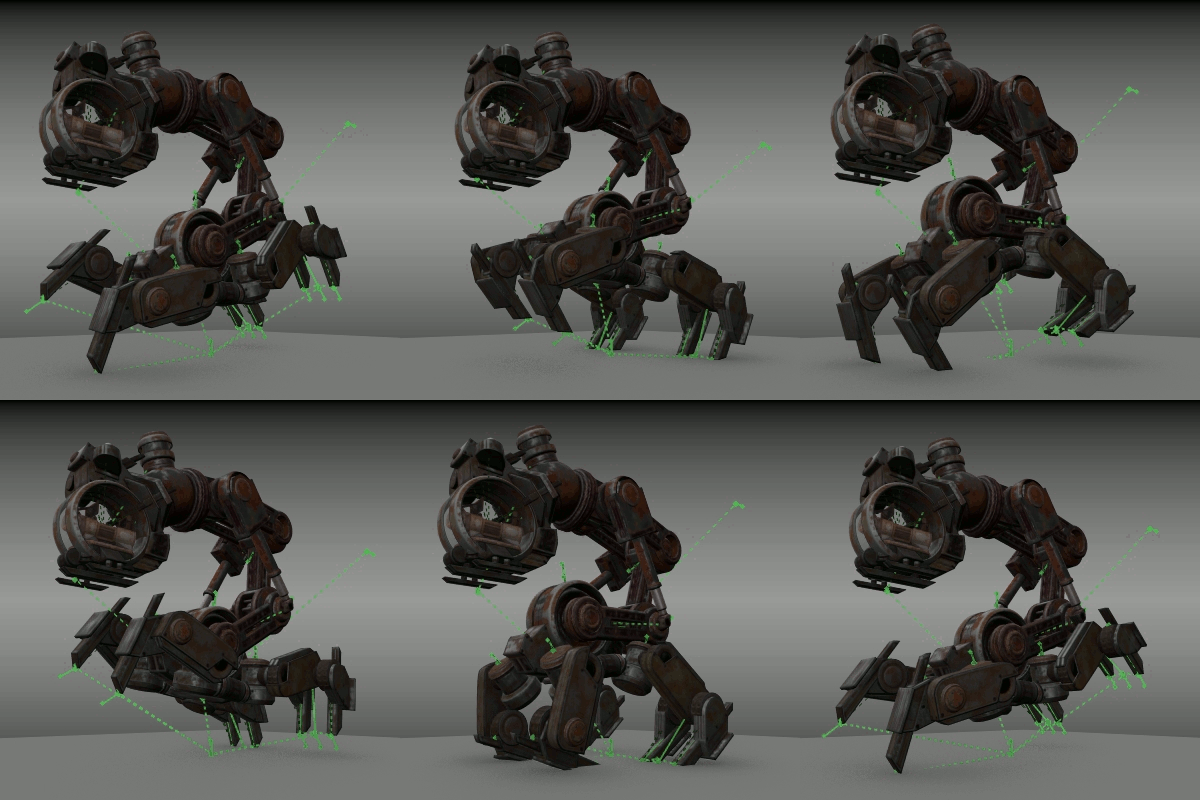
Run Cycle
---

Broken
---
Feel free to use this as a template for your own animated models :)
Comments (8)
Holy cow, what a beast of a model.! Thank you for sharing :D
Thank you :) Feel free to use this for you own animated models! It is easy, just replace my model with your model and edit the Animation python script a bit. Export a Game Engine Runtime.exe to share your scene with others ;)
So cool Tks for share.
Thanks! you're welcome!
This is a masterpiece, unfortunately BGE will be removed in 2.8
Thanks man :) Yes, this is sad. I think Blender will lose an awesome tool for real time visualizations and prototyping :( I will never stop using the BGE :) But I hope there will be something similar for Blender in future!
Wow... Thats really good! Like that, i want a Game with this Mech! xD
Yes, this would be awesome! xD
Sign in to leave a comment.